


Autodesk SSO Login

Dec 23, 2025
 165
165
AUTODESK SSO LOG IN
Follow the steps below to sign in using Single Sign-On (SSO):
-
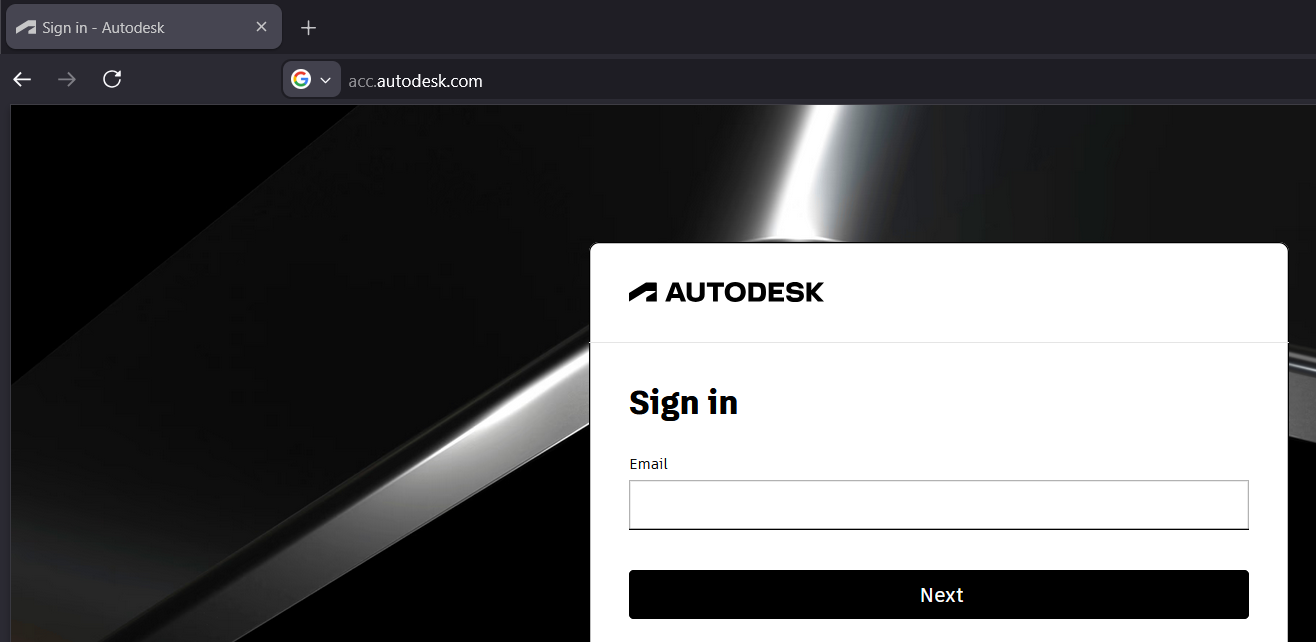
Go to acc.autodesk.com
-
Click the Sign In button.
-
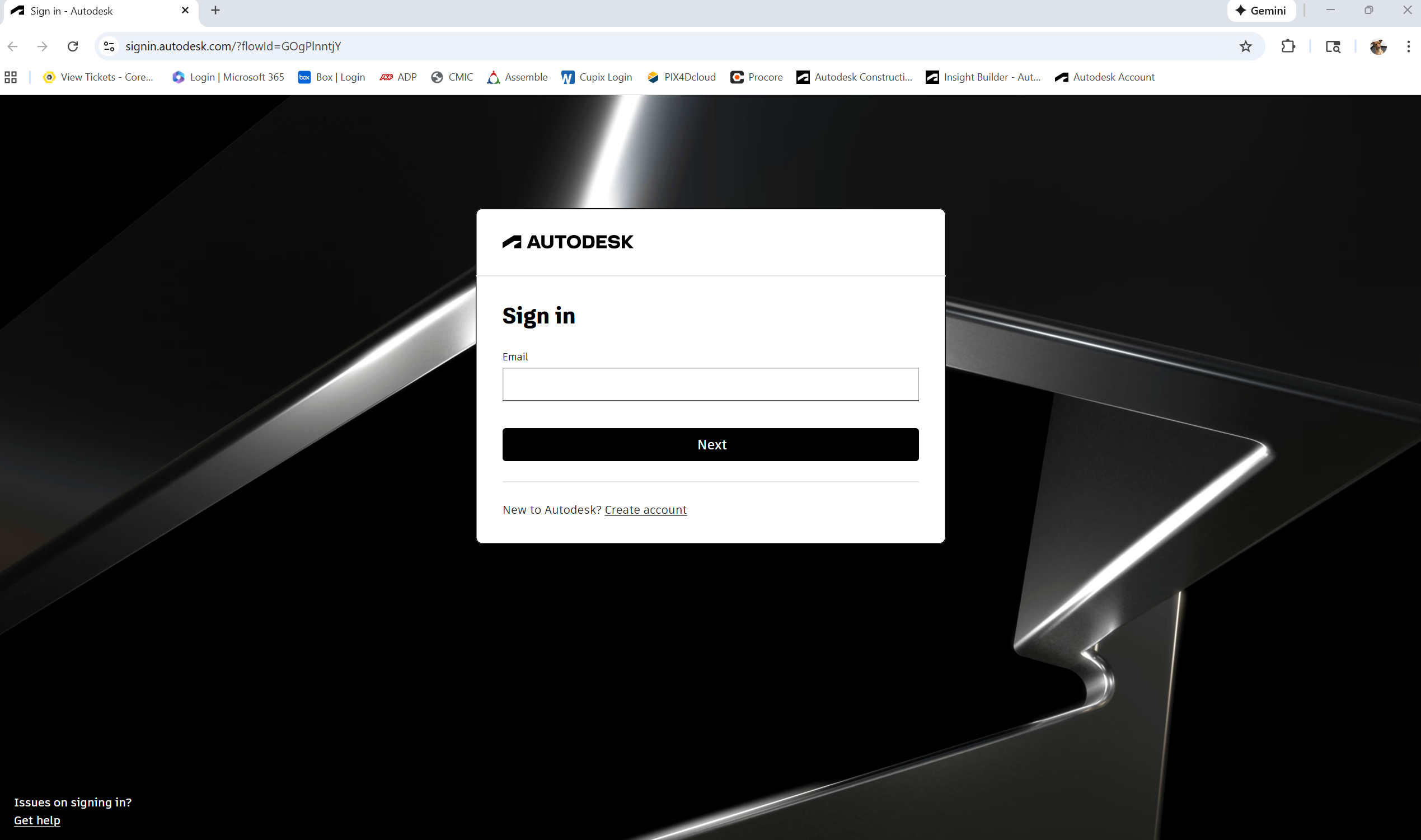
You will be redirected to the Autodesk Sign-In page.
-
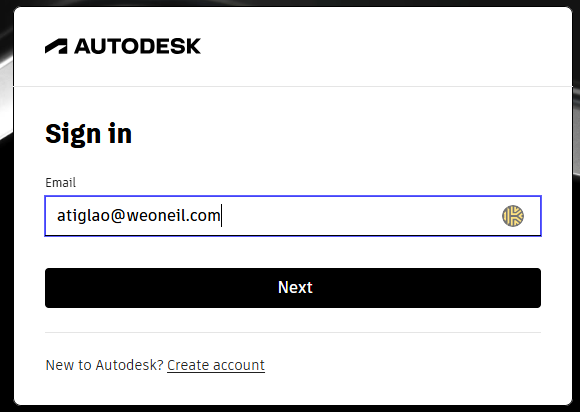
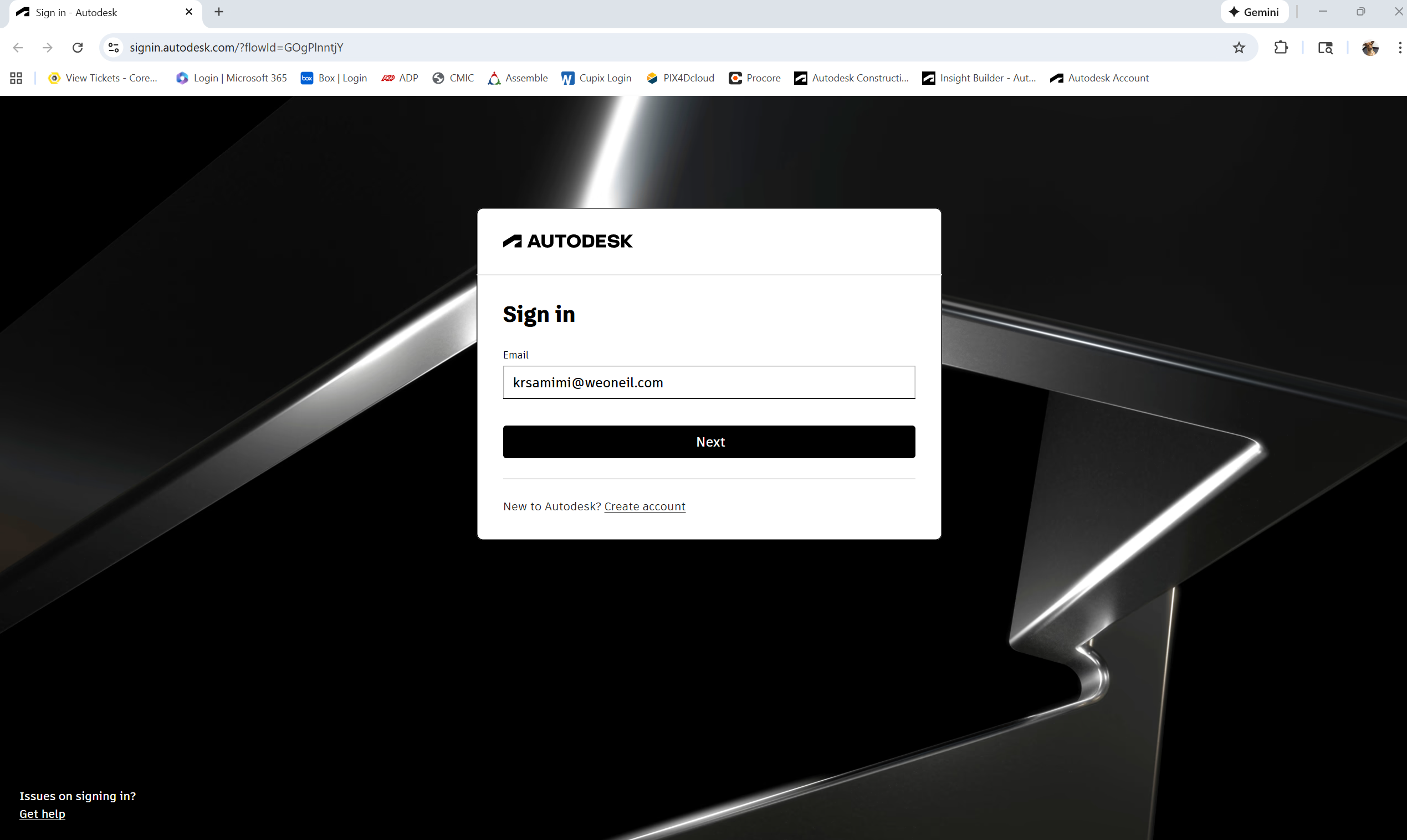
Enter your Primary Email Address (e.g., @weoneil.com or @coreservices.build) and click Next to proceed.
-
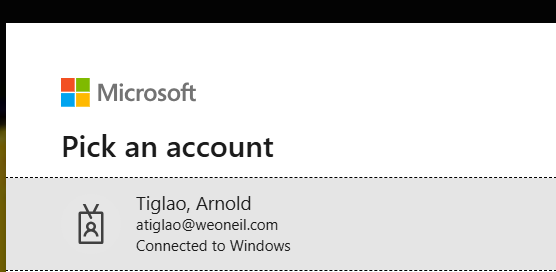
You will be redirected to the company SSO login page. Enter your network password if prompted.
-
Complete any MFA (Multi-Factor Authentication) steps if required.
-
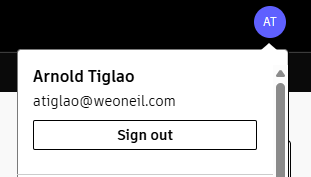
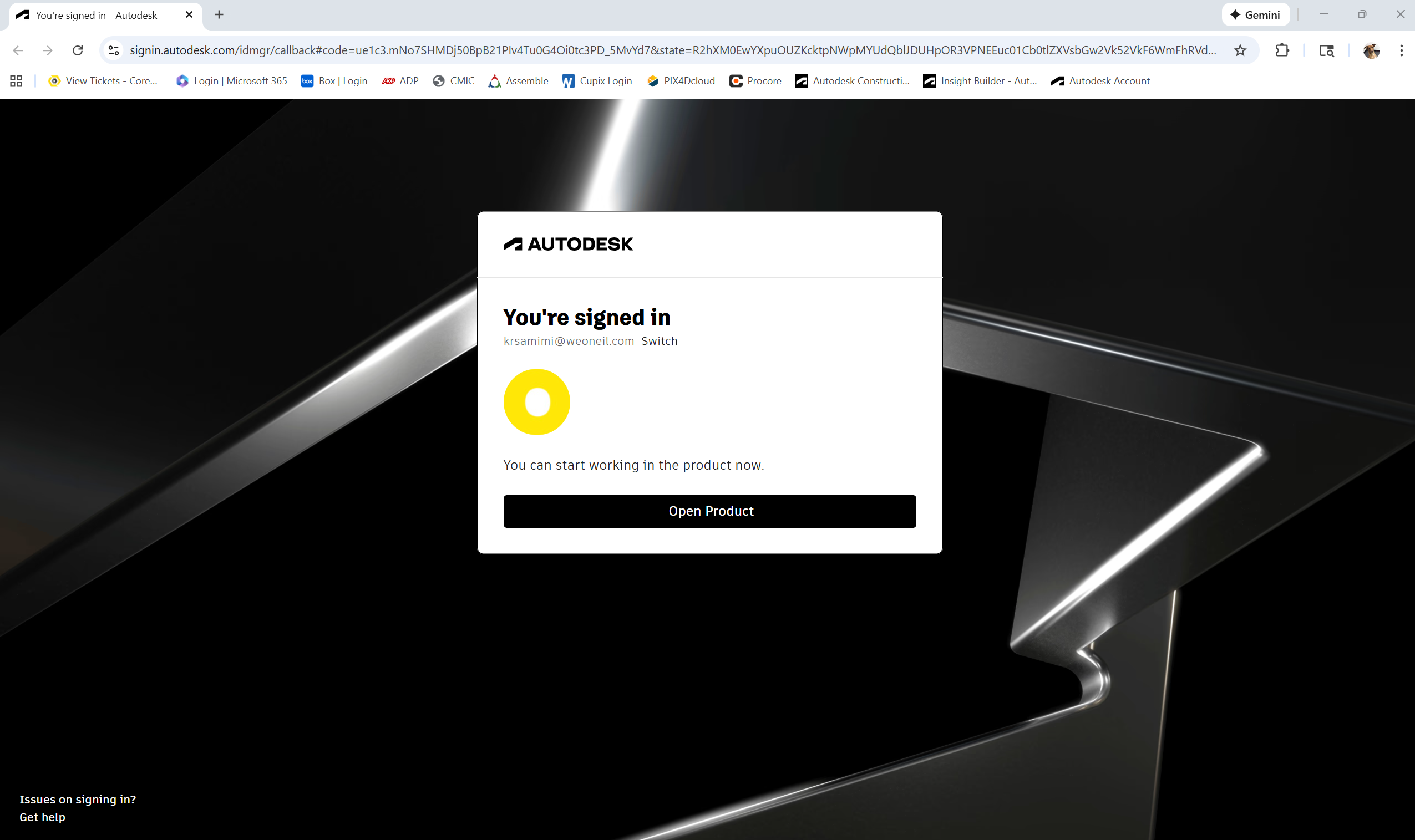
Once authenticated, you will be signed in to your Autodesk account.
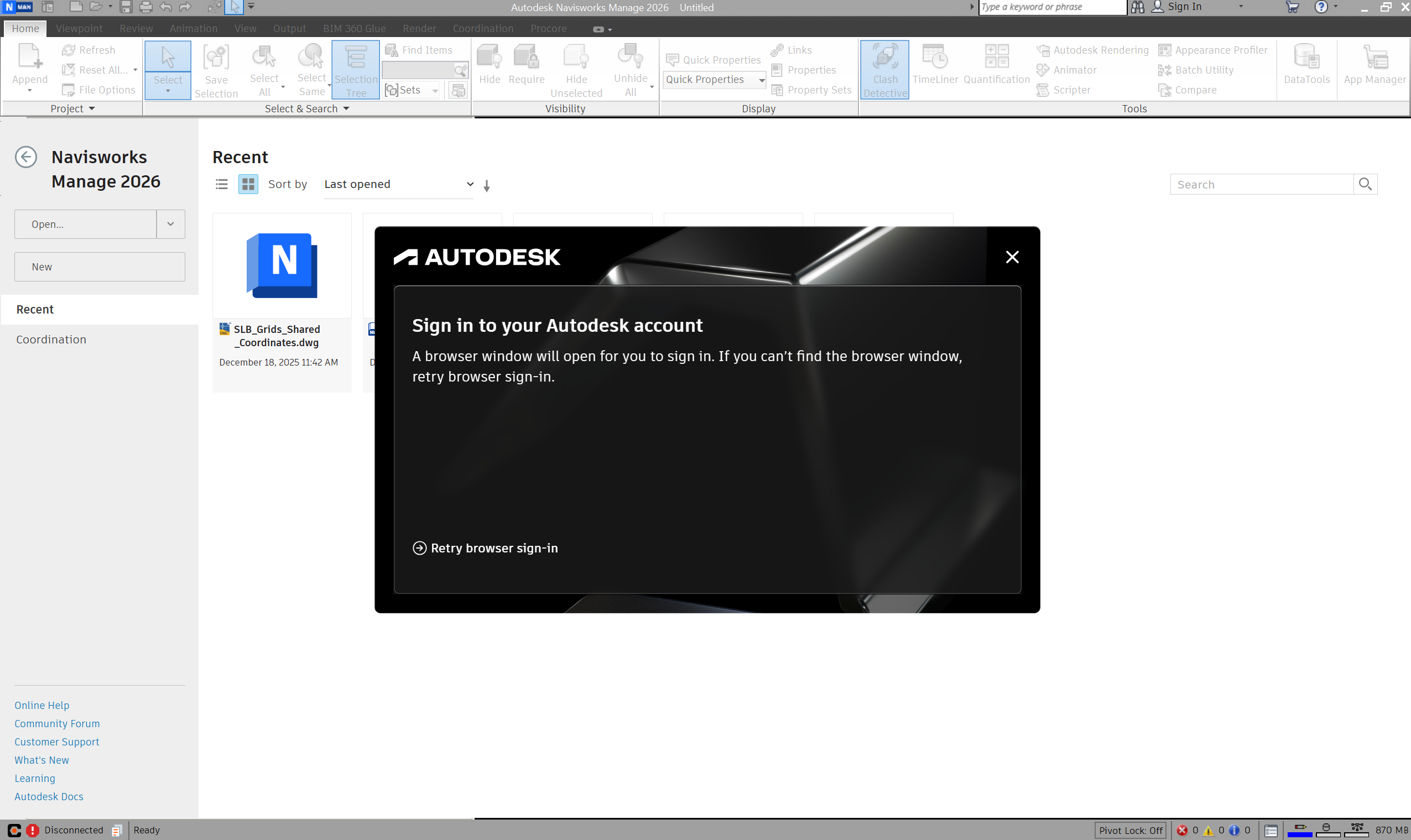
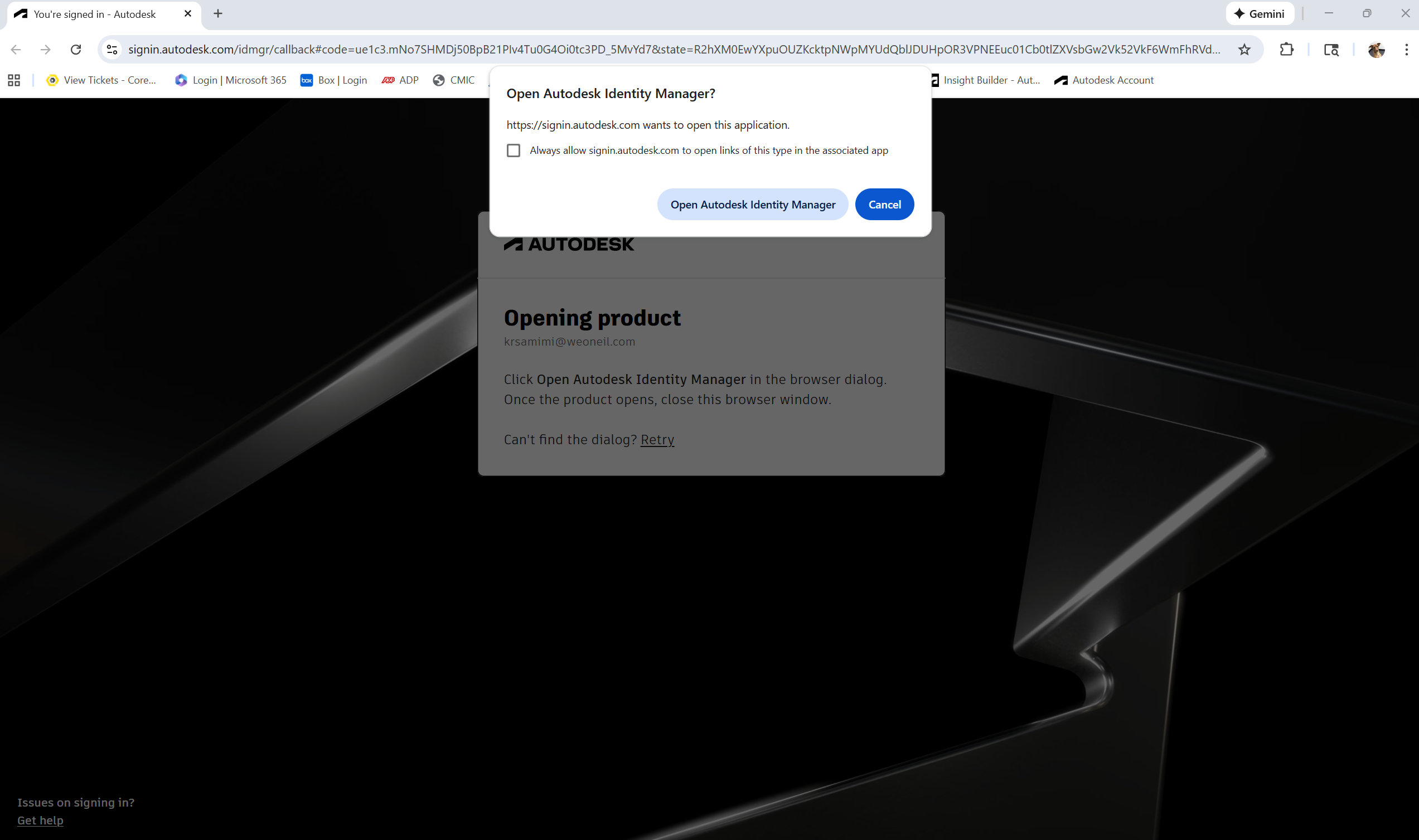
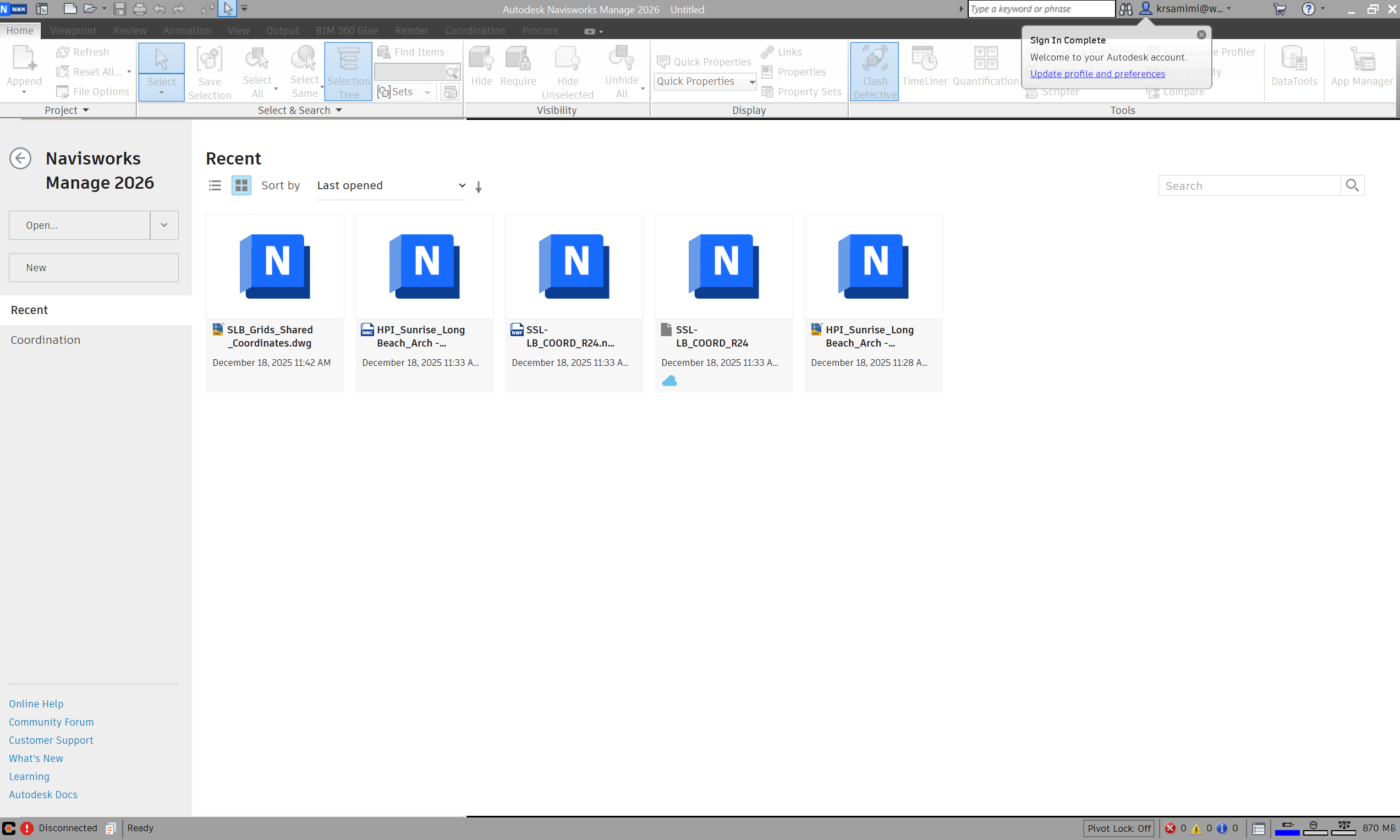
Follow the steps below to sign in from Naviswork:
Questions?
Reach out to the [email protected]

